Edit your PDFs
online, instantly.
AI-powered. Ready in 3 seconds.
or drop your files here
Max file size 100 MB
- No signup needed
- Private & encrypted
- 256-bit SSL
- AES-256 encrypted
- SOC 2 Type II
15 million people, 180 countries, one simple tool
0M
Uploads
0M
Edited
0M
Converted
0+
Countries
More than PDF editing, much more
Every tool you need to work with PDFs, grouped so you can find the right one fast.
Official forms, ready to fill
Open the most requested US tax and government forms right in your browser. Fill, sign, and download without printing or scanning.
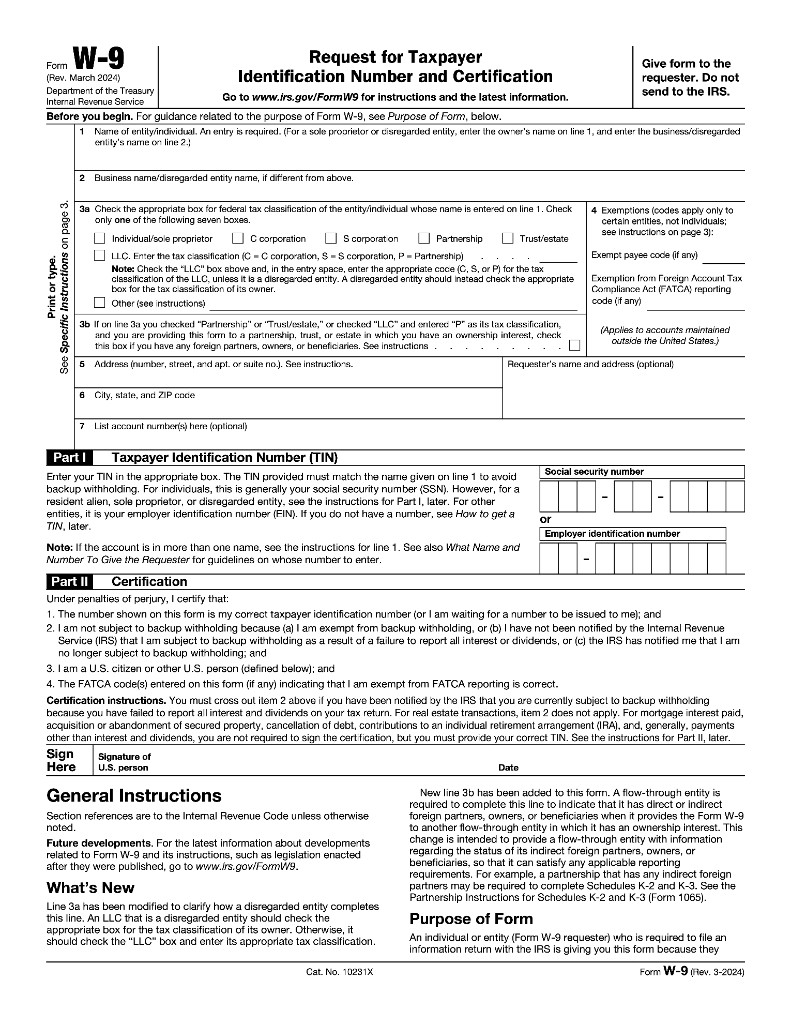
Form W-9
Request for Taxpayer Identification Number
Open form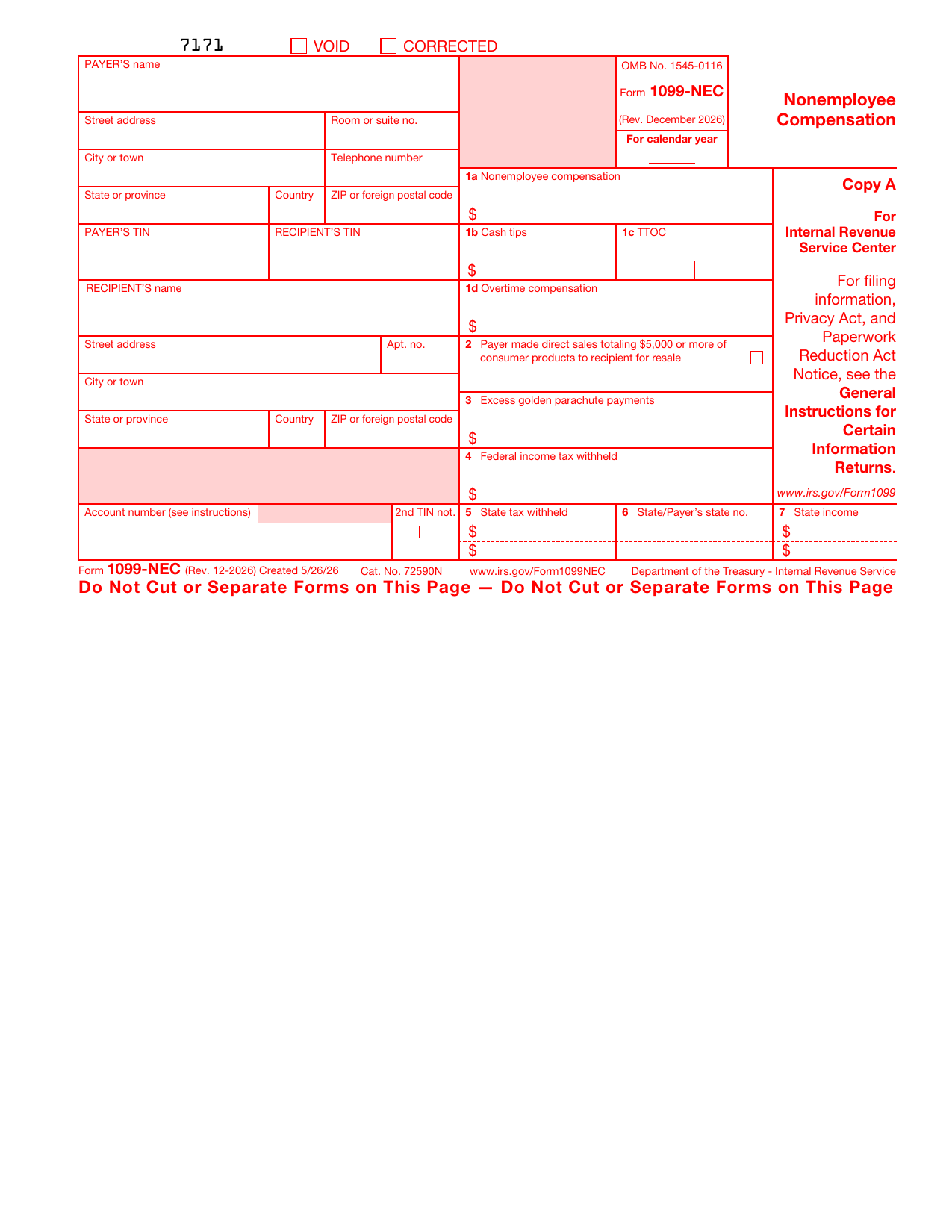
Form 1099-NEC
Nonemployee compensation
Open form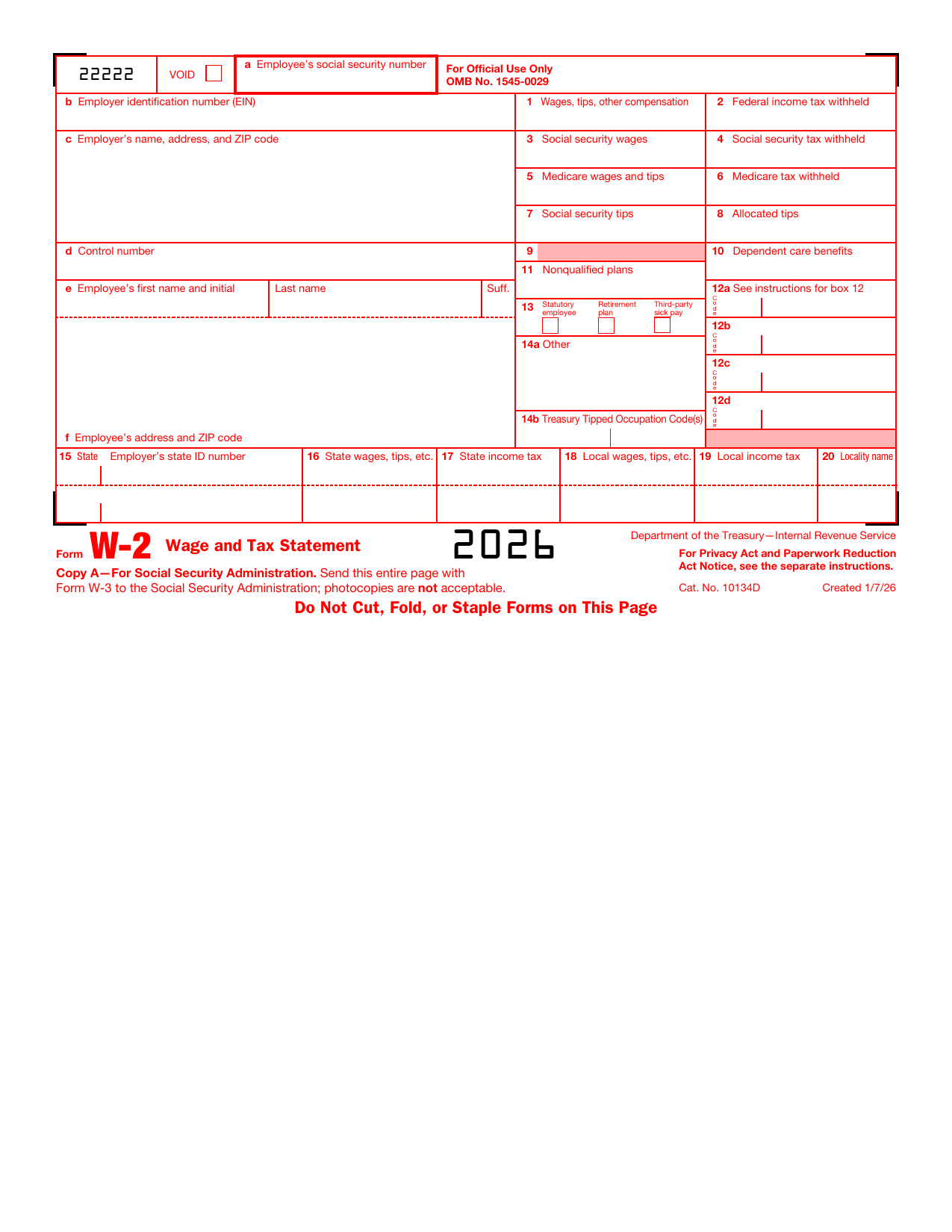
Form W-2
Wage and Tax Statement
Open form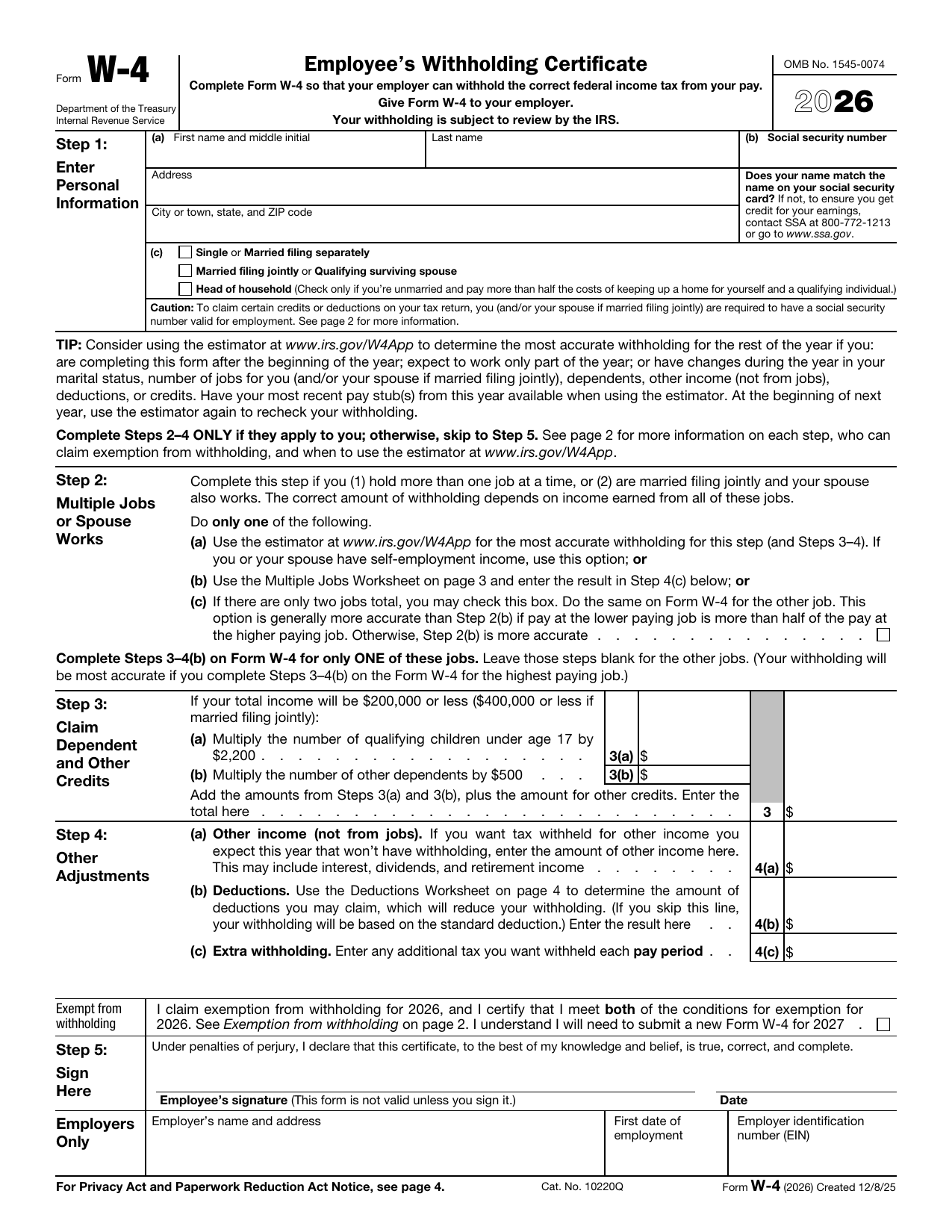
Form W-4
Employee's Withholding Certificate
Open form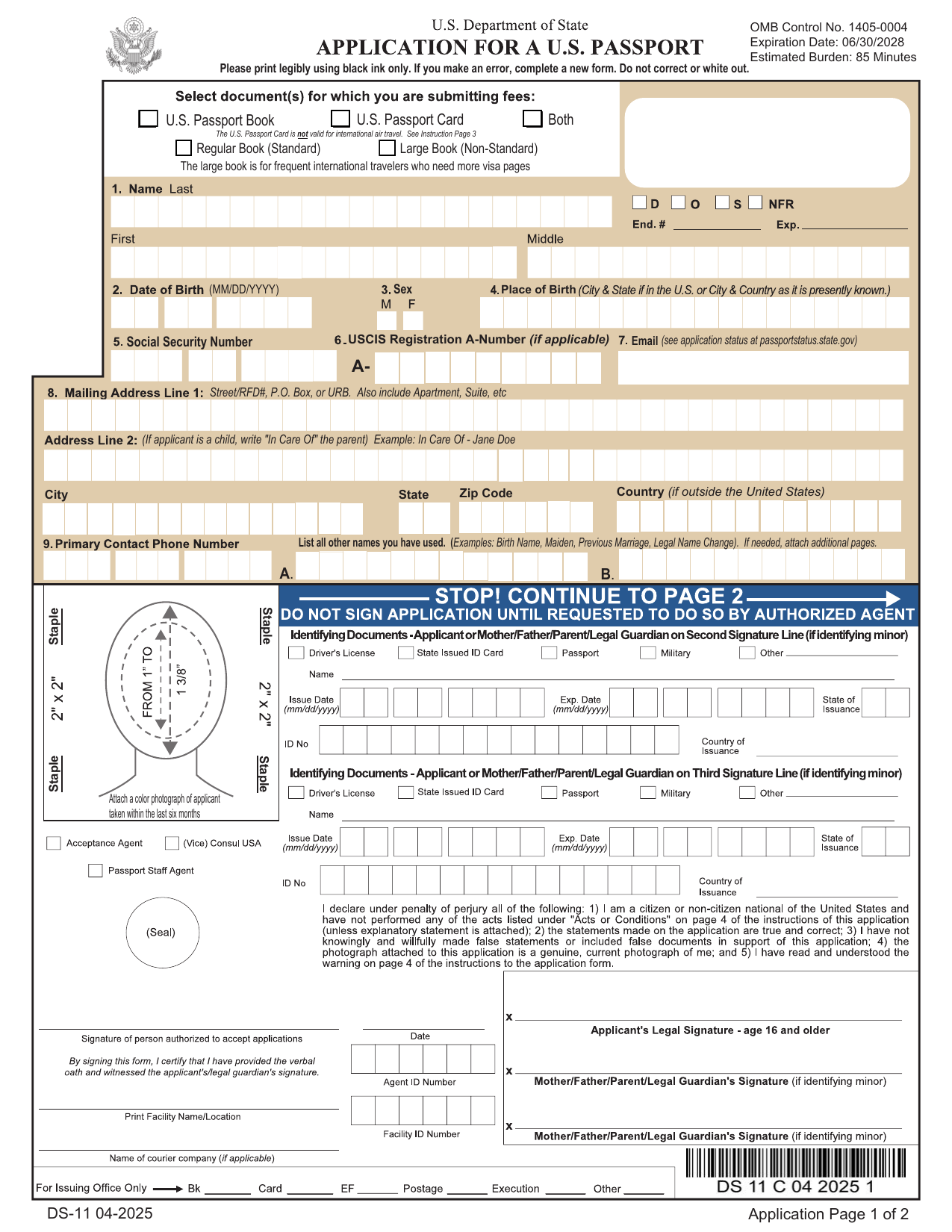
Passport Application
Form DS-11 for a new US passport
Open form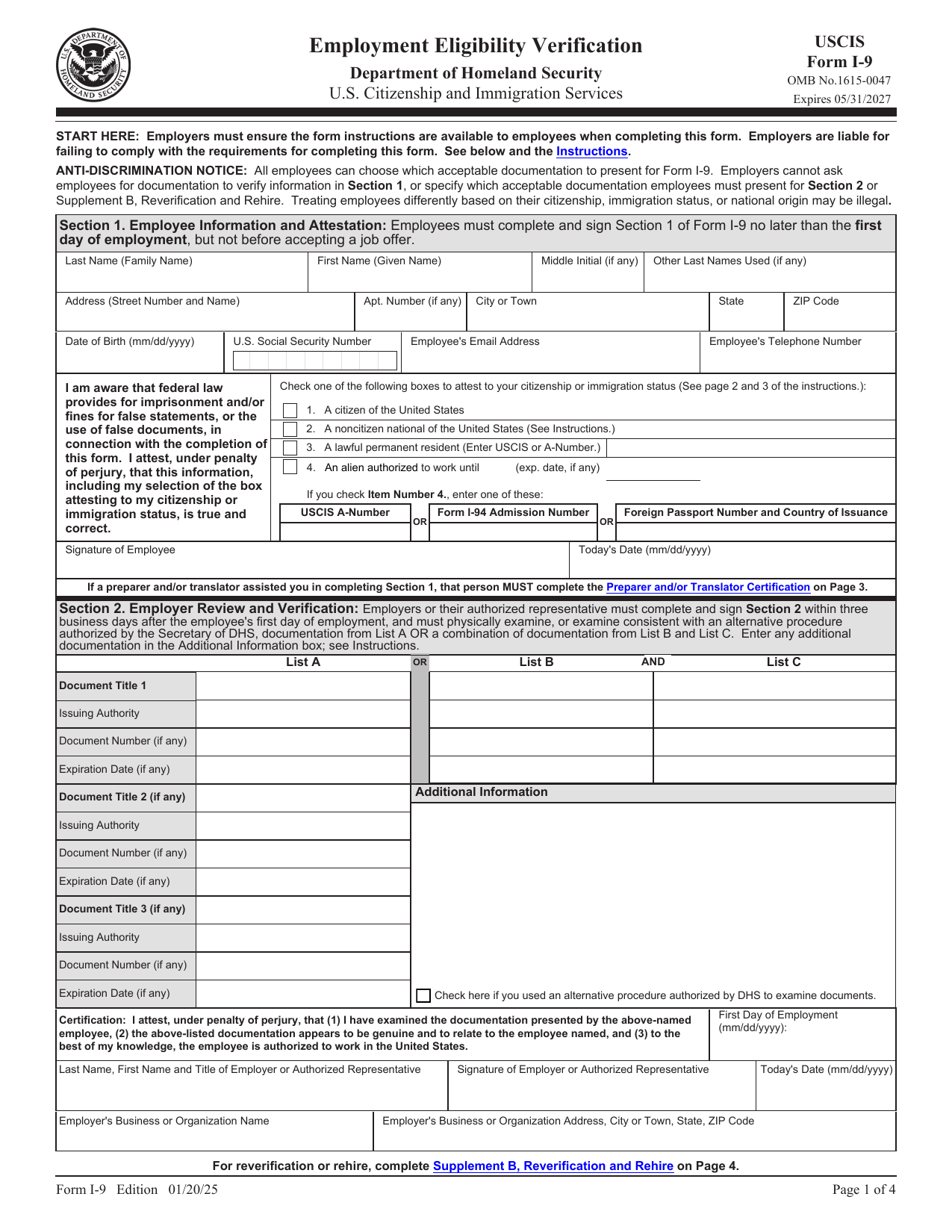
Form I-9
Employment Eligibility Verification
Open formReady-made templates, done in minutes
Draft the documents you need most, from bills of sale to business plans, with guided templates you can fill in, sign, and download.
Bill of Sale
Record the sale of a vehicle or other item
Open template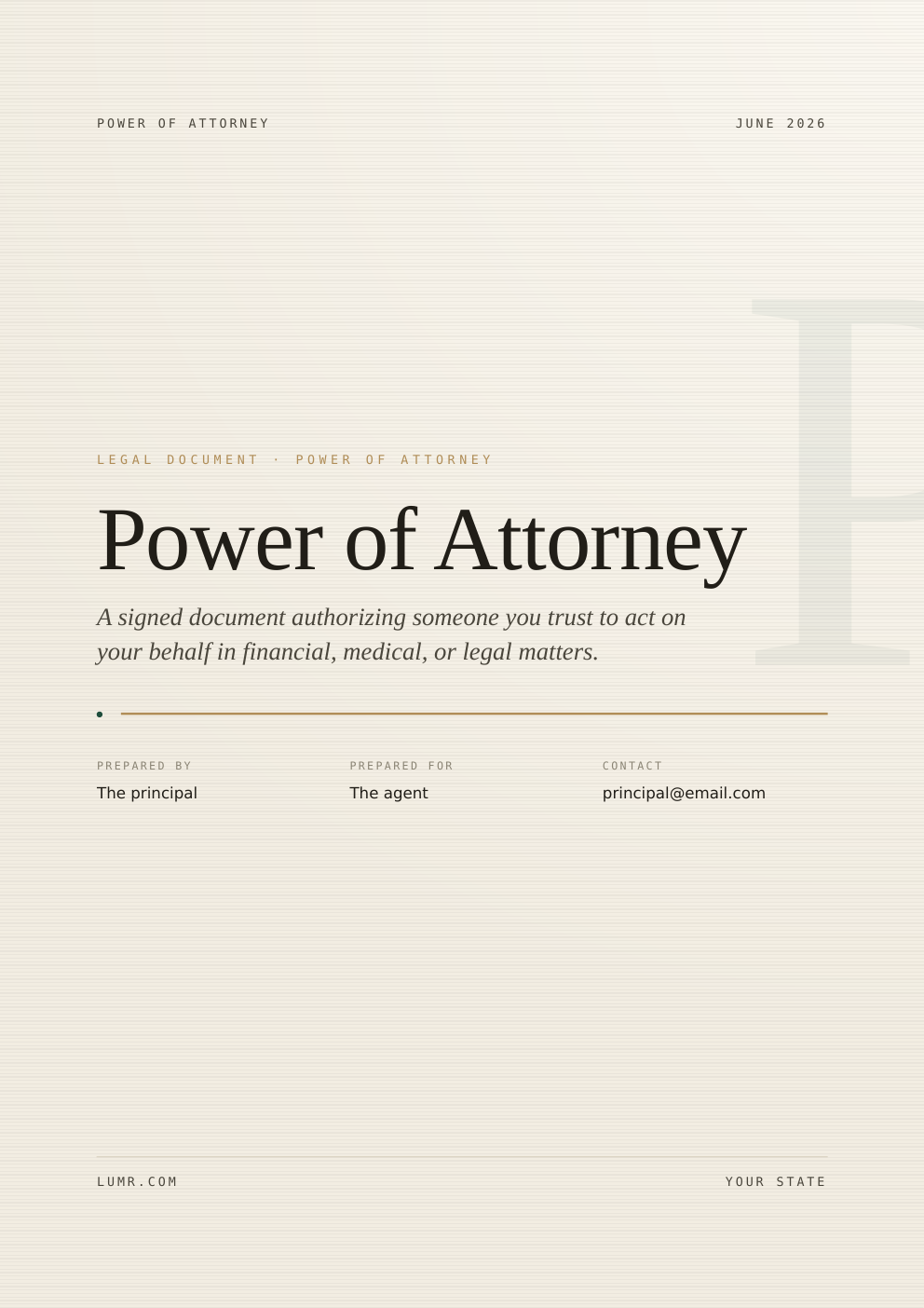
Power of Attorney
Authorize someone to act on your behalf
Open template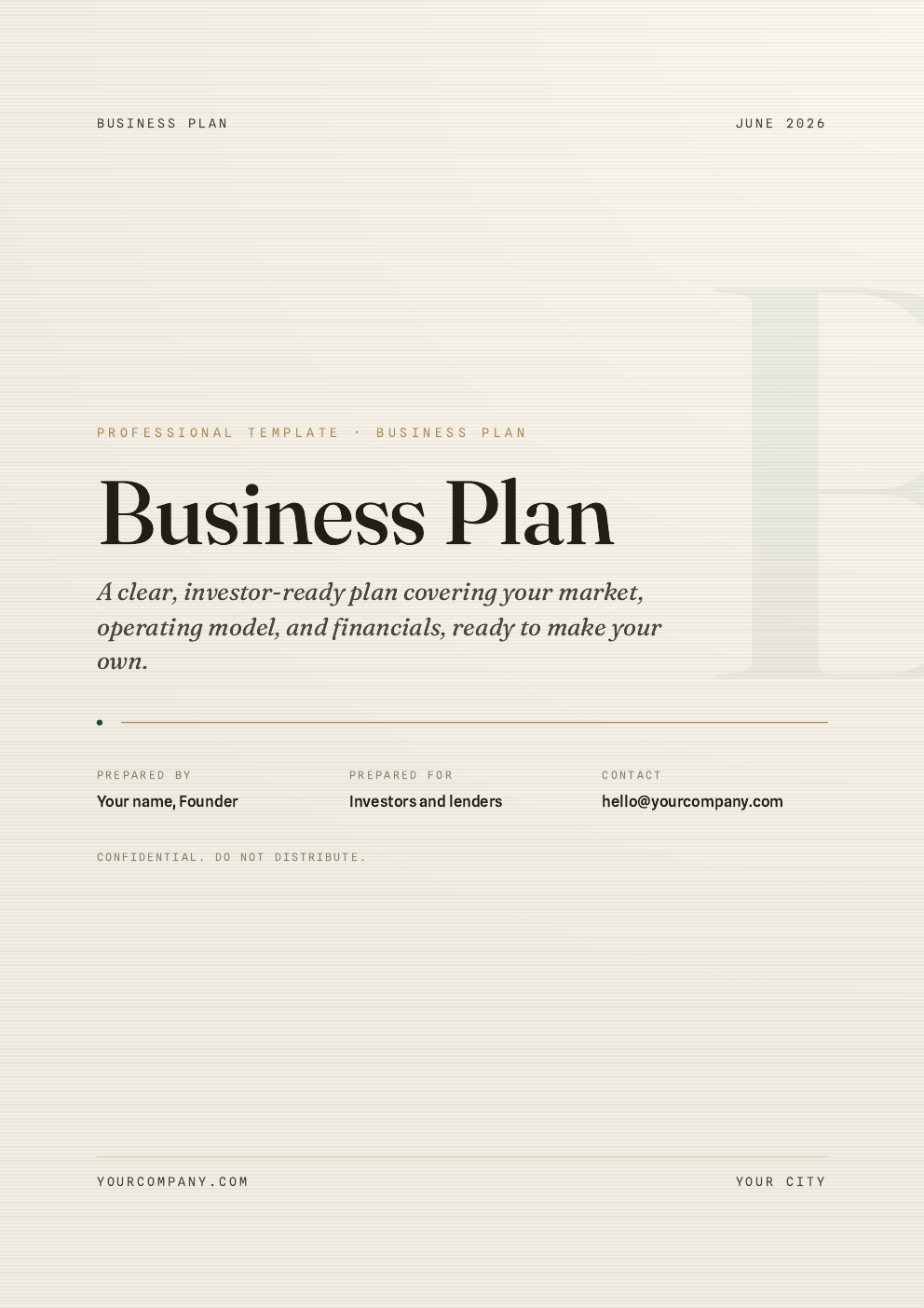
Business Plan
Outline your goals, strategy, and finances
Open template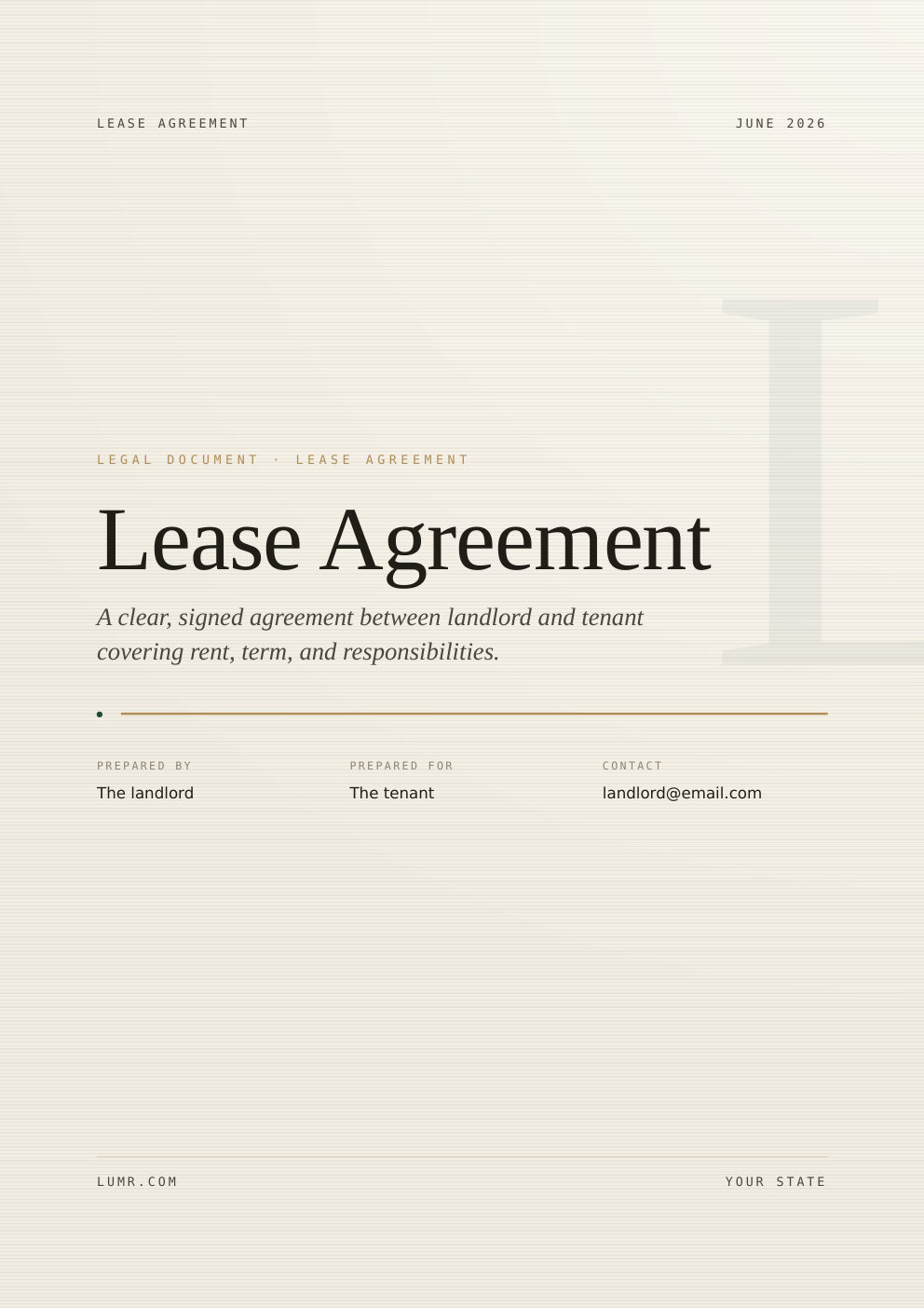
Lease Agreement
Set the terms between landlord and tenant
Open template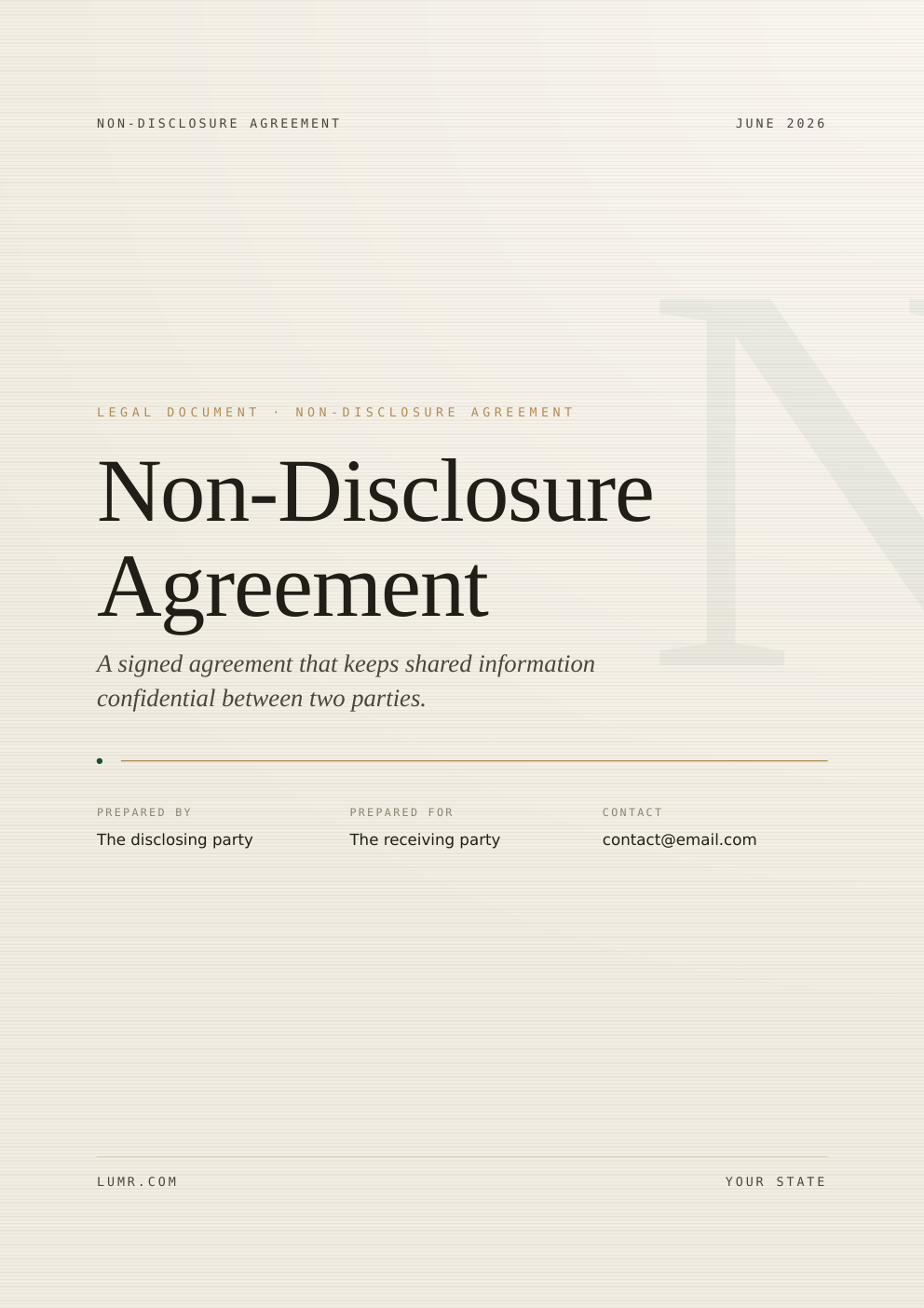
Non-Disclosure Agreement
Keep shared information confidential
Open templateDo more with dynamic AI features
lumr's AI does the heavy lifting: summarize long documents, translate across languages, and ask your PDF anything, all in seconds.
Summarize
Drowning in a 40-page report? Get the key points in a clean, readable summary, no skimming, no missed details.
Translate
Turn any PDF into the language you need while keeping its layout intact. Dozens of languages, one click.
Talk to your PDF
Ask questions and get instant answers sourced straight from your document, like chatting with the person who wrote it.
Security and privacy at every step
What makes lumr the
best PDF editor?
Powerful tools, zero complexity, everything in one place.
Simple text editing
Edit in a click
Need to fix a typo or update a form field? Just click into your PDF and type. No conversion, no clunky workarounds, edit text like you would in a doc.
All-in-one editing suite
One tool, every job
Highlight, annotate, add pages, insert images, or rearrange, everything you need to review, adjust and polish your PDF lives in a single workspace.
Intuitive design
Effortless by default
You don't have to figure anything out, our interface is clean and familiar from the start, so you spend time on your work, not the tool.
Flexible file conversion
Any format, any way
Easily switch between formats like Word, JPG, PNG, PPT and Excel without losing your layout, formatting or structure.
Built-in eSignatures
Sign in seconds
Draw, type or upload a signature to authorize your documents, just a few seconds and you're done. Legally binding and secure.
Fillable forms
Forms made easy
Build and fill out fillable forms in a full range of professional formats (tax, military, financial, real estate), ready to fill, download and store.
Edit PDF online with powerful tools
A bunch of curious minds came together with one goal: make working with PDFs simpler, faster and honestly… just better. So we built a space where you can edit PDF documents, switch between formats, fill out forms, add e-signatures, and more, all without installing a thing. And if something's not clicking, our support team is here to sort it out, fast, and with a smile.
What users are saying
about our online tool
Real reviews from people who edit PDFs with lumr every day.
Marco De Luca
Creative Director
“Honestly? I cancelled my other subscriptions. Editing a PDF here is just that smooth, and the UI doesn't make my eyes bleed, which is a huge plus.”
Emily Watson
Small Business Owner
“Running a small bakery means I wear a hundred hats. I use lumr to sign contracts, merge invoices, and fix typos in menus. Best tool I added this year.”
David K.
Senior Software Engineer
“I paste in scanned specs, OCR them, and convert to Word in seconds. It handles messy layouts surprisingly well. Way better than juggling three different apps.”
Sofia Romero
Marketing Manager
“Compressing decks before a client send used to be a chore. Now it is one drag, one drop, done. The quality stays crisp every time.”
James O'Brien
Freelance Designer
“The e-signature flow is ridiculously fast. I sent a proposal, the client signed on their phone, and it was back in my inbox before my coffee was cold.”
Aisha Khan
Operations Lead
“We process dozens of forms a week. Filling and exporting them in lumr cut our turnaround time roughly in half. The team actually enjoys it now.”
Lukas Becker
Graduate Student
“Summarizing 60-page research papers before a seminar is a lifesaver. I get the gist in a minute and dive into the details that matter.”
Priya Nair
Product Manager
“Talking to my PDFs feels like cheating. I ask where a clause is and it points me straight to it. No more endless scrolling through contracts.”
Edit PDF files in seconds with zero hassle
Upload a file and start editing right away, no installs, no sign-up walls, no learning curve.
- Ready in 3 seconds
- 256-bit SSL secure
- Works on any device
We answer
your questions
Everything you need to know about editing PDFs with lumr.
lumr is an online PDF editor that lets you edit, convert, sign, compress and organize PDF documents right in your browser, no installation required.
Yes. Files are transferred over an encrypted connection and processed securely. We never share your documents, and you stay in control of your data.
For unlimited access to every tool, lumr offers flexible plans, pick the one that matches how often you work with PDFs.
Upload your PDF, click into the text or add elements like images and signatures, then download your edited document. It only takes a few seconds.
Editing text and images, converting to and from PDF, merging and splitting, compressing, signing, password protection, and fillable forms, all in one place.
PDF, Word, Excel, PowerPoint, JPG and PNG, among others. You can convert between these formats without losing your layout.
Reach out to our support team, they're quick to respond and happy to help you sort out anything that isn't working as expected.
Look for one that's easy to use, handles every common task, keeps your files secure, and works on any device without an install. That's exactly what lumr is built to do.